

Everything for your NFTs. Nothing you don't need.
Every NFT. One number.
All your Ethereum NFTs from any collection, valued at floor price and added to your ETH, so you always know what you hold.
- Profit and loss on each NFT
- Floor and incoming-NFT alerts
Portfolio 9 NFTs · 3 collections
 1.9 ETH
 1.7 ETH
 1.9 ETH
Swap with a friend. No middleman.
Propose an NFT-for-NFT trade with a signed offer on Seaport. Nothing moves until you both agree, and either side can walk away.
- Send or trade in a couple of taps
- Share an offer code, no sign-ups
New offer expires in 24 hours
 You giveSTASH #77
 You getSTASH #4104
Know who can touch your NFTs.
Shield lists every app you have ever approved to move your NFTs and tokens, tells you which ones are trusted, and lets you remove the risky ones in one tap.
- Trusted, verified and risky are labelled
- One-tap revoke
Shield 3 active approvals
See it before you sign it.
Before you confirm, STASH shows what a transaction will really do: what leaves your wallet and what you are giving access to. Dodgy ones get a clear warning.
- Plain-language transaction preview
- Warnings for suspicious approvals
Review transaction Ethereum
Your keys. Your device. Nobody else.
keys or recovery phrases STASH ever receives. They are encrypted with your password, on your device.
until the wallet locks itself when you step away. Nothing is signed without you.
to remove a risky approval, with a clear label for what each one can do.
Straight talk: Nobody from STASH will ever ask for your recovery phrase. Start with an amount you are comfortable with and keep your phrase written down, offline.
STASH
APES.
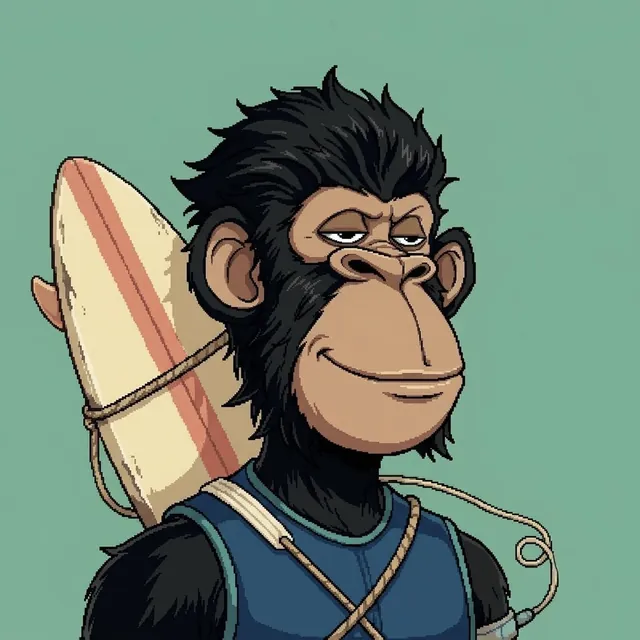
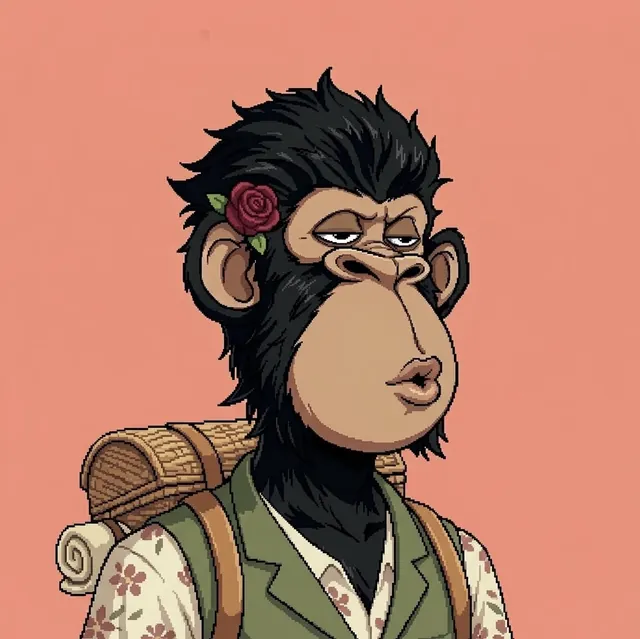
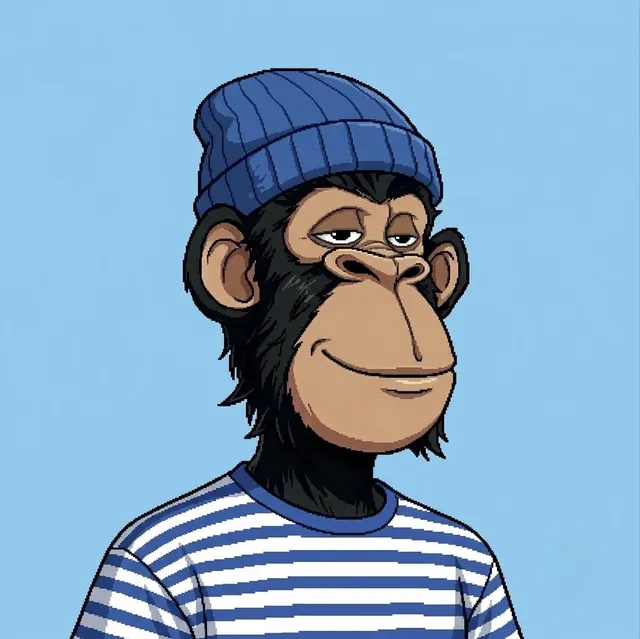
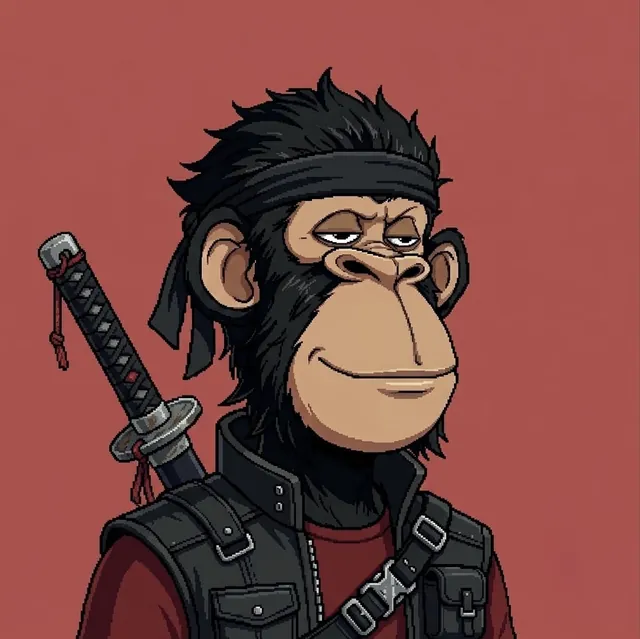

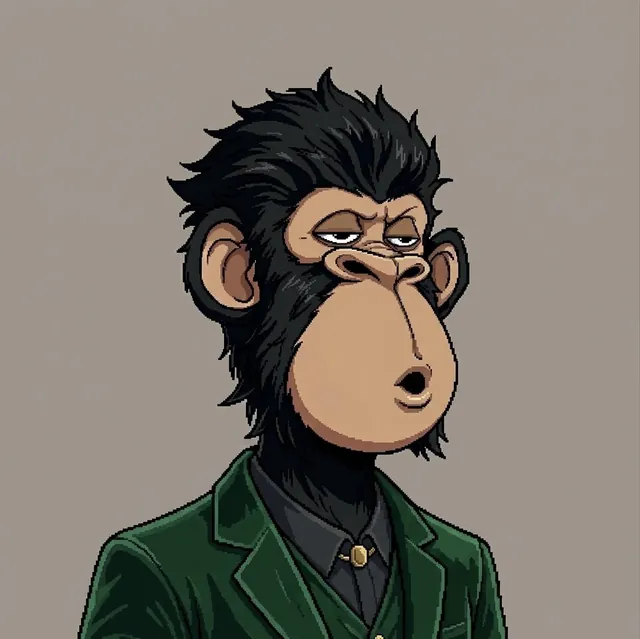

Get on the
allowlist.
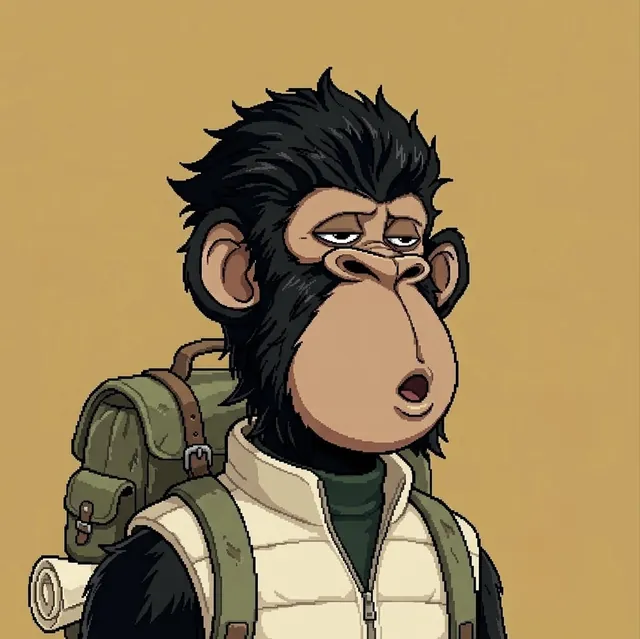
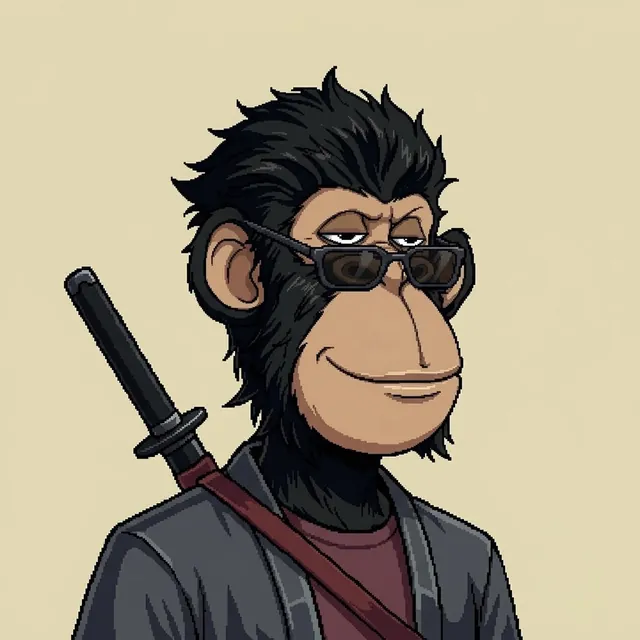
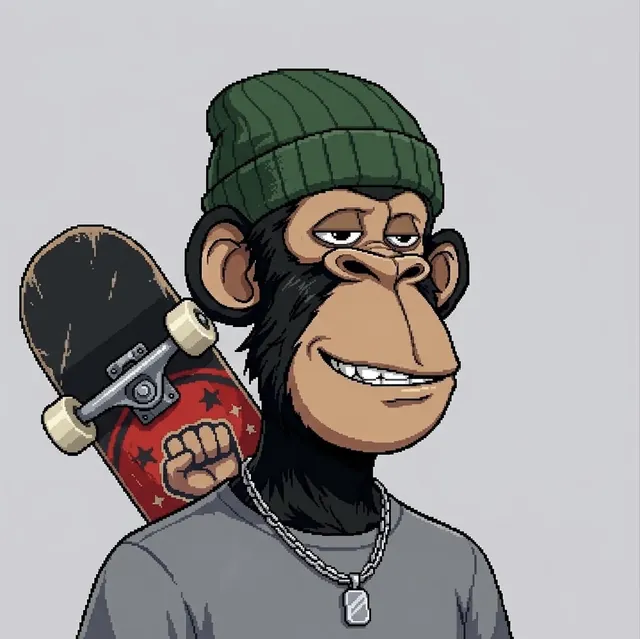
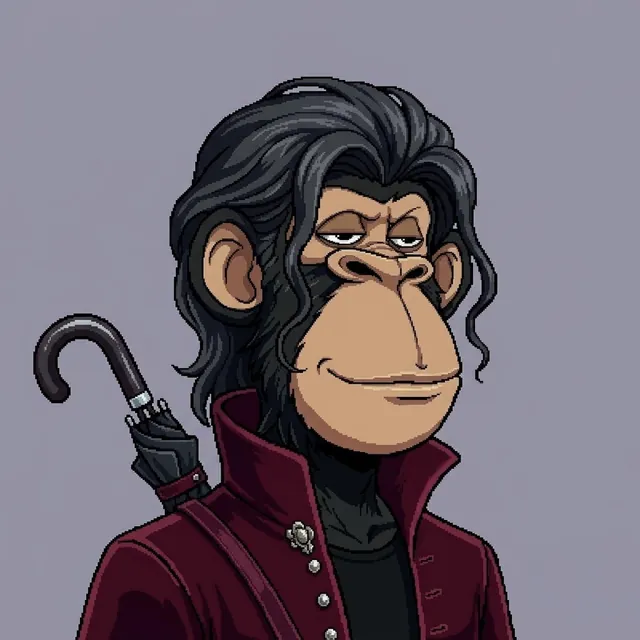
The STASH APES mint is on Ethereum. Apply for a spot on the mint allowlist. It takes about two minutes, and each round is open for 24 hours only.
 Mint on Ethereum
- No signature and no wallet connection
- Every application is reviewed by hand
- Invite friends for a higher chance at a guaranteed (GTD) spot
The allowlist is closed.
 Follow @STASHAPES
You are in the queue.
Friends who apply with your link and get accepted improve your chances of a guaranteed (GTD) mint spot. This is not a promise.
Saved on this device. Your application is under review.
Everywhere your NFTs are.
 iOSiPhone and iPadComing soon
 AndroidPhones and tabletsComing soon
 Chrome extensionAlso for Edge and BraveComing soon
Same wallet, same keys, same look on every device. Platform names and logos belong to their owners.
Good to know.
Who actually holds my keys?
You do. STASH is self-custody: your recovery phrase and keys are created on your device and encrypted with your password. We never see them, which means we also cannot freeze, reverse or recover anything for you. That is the point.
What if I lose my password or my phone?
Your password only unlocks the wallet on the device you are using, and we cannot reset it. Your recovery phrase (or private key) is the real backup: with it you can restore your wallet on any device in minutes. Keep it written down and offline, and never share it with anyone.
Which chains and NFTs can I see?
Everything in one view. STASH is built for Ethereum and the major networks around it, including Base, Arbitrum, Optimism, Polygon, Avalanche, Blast, Zora and Robinhood Chain. Your NFTs are valued at floor price and added to your coin balances, so you see one total instead of ten tabs.
How does STASH protect me from bad approvals?
Most NFT theft starts with an approval someone forgot about. Shield lists every app that can move your assets, labels each one as trusted, verified or unknown, and lets you revoke the risky ones in a tap. Before you sign anything, STASH shows in plain language what leaves your wallet and what you are giving access to.
How do swaps with friends work?
You propose an NFT-for-NFT trade as a signed offer on Seaport and share it with a friend. Nothing moves until you both agree, either side can walk away, and no middleman ever holds your NFTs.
What does STASH cost?
STASH does not charge a fee to use the wallet today. Network fees (gas) and marketplace fees still apply when you send or trade, and they go to the network or the marketplace, not to us.
What does STASH know about me?
As little as possible. To show your NFTs we process your public wallet address through our servers, and we never receive your keys. We run no advertising trackers and do not sell data. The details are in our privacy policy.
Where can I use STASH?
STASH is coming to iOS, Android, as a Chrome extension (which also works in Edge and Brave) and on the web, all with the same wallet and the same look. Follow @STASHAPES on X to hear when each one opens.
How do I climb the list for STASH APES?
Post about STASH on X and share your invite link. The more friends who join through it and get accepted, the faster you climb towards a guaranteed spot.